WEBSITE GUIDE
What should a food truck website include?
Customers need to know what you serve, where the truck will be and when they can order. Give them a menu with prices, the next stop and a dated weekly schedule they can read on a phone.
Stops and schedule
Put the next public stop near the top of the homepage, with its date, hours and exact arrival details. A venue name alone may leave customers at the wrong entrance. Link directions to the actual stop and keep your phone number or ordering link nearby.
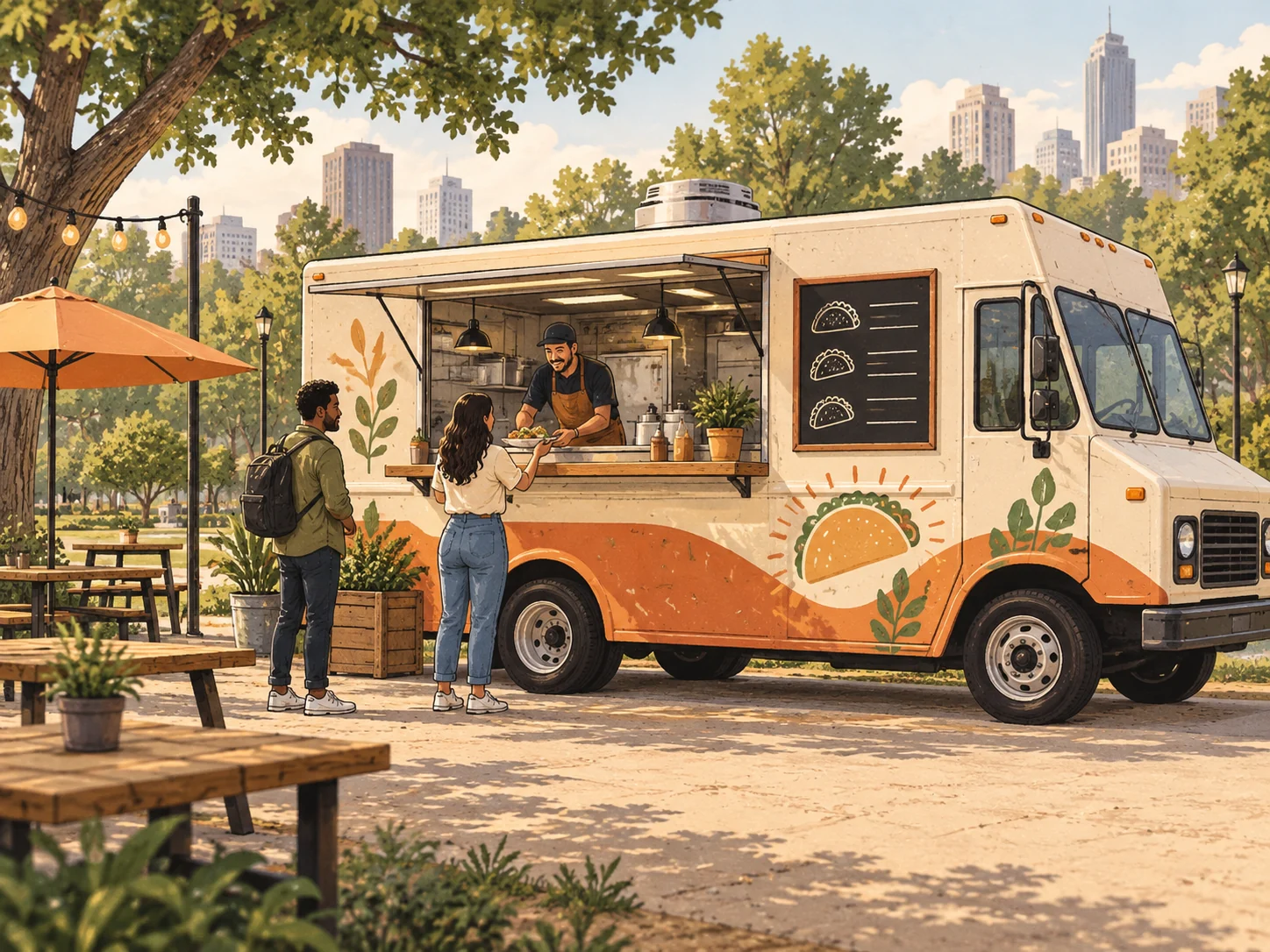
Fictional stop, venue and address. Updated Thursday, October 22, 2026.
Depot Yard
- When
- Friday, October 23, 2026
5 pm to 8 pm, local time - Where
- 10 Example Avenue
East entrance, beside the yard gate - Ordering
- Order at the serving window
Show the week from Monday to Sunday, including closed days and private events. Give the week its full date range so an old schedule is easy to recognize. If you serve twice in one day, list both stops with their own times.
- MondayClosedNo public service
- TuesdayRiverside Market11 am to 2 pm
- WednesdayCedar ParkNoon to 3 pm
- ThursdayCedar ParkService canceled
- FridayDepot Yard5 pm to 8 pm
- SaturdayHarbor MarketNoon to 6 pm
- SundayPrivate cateringNo public service
When a stop changes, update both the next-stop card and weekly list. Publish a new week when the stops are settled; mark any undecided appearance as unconfirmed.
Menu and prices
Use dish names, short descriptions, portions and prices as text. Say whether a taco price covers one taco or a set of three. List extras that change the price, and mark sold-out items.
| Dish and portion | Price |
|---|---|
| Steak tacos, 3 | $12 |
| Chicken tacos, 3 | $11 |
| Vegetable tacos, 3 | $10 |
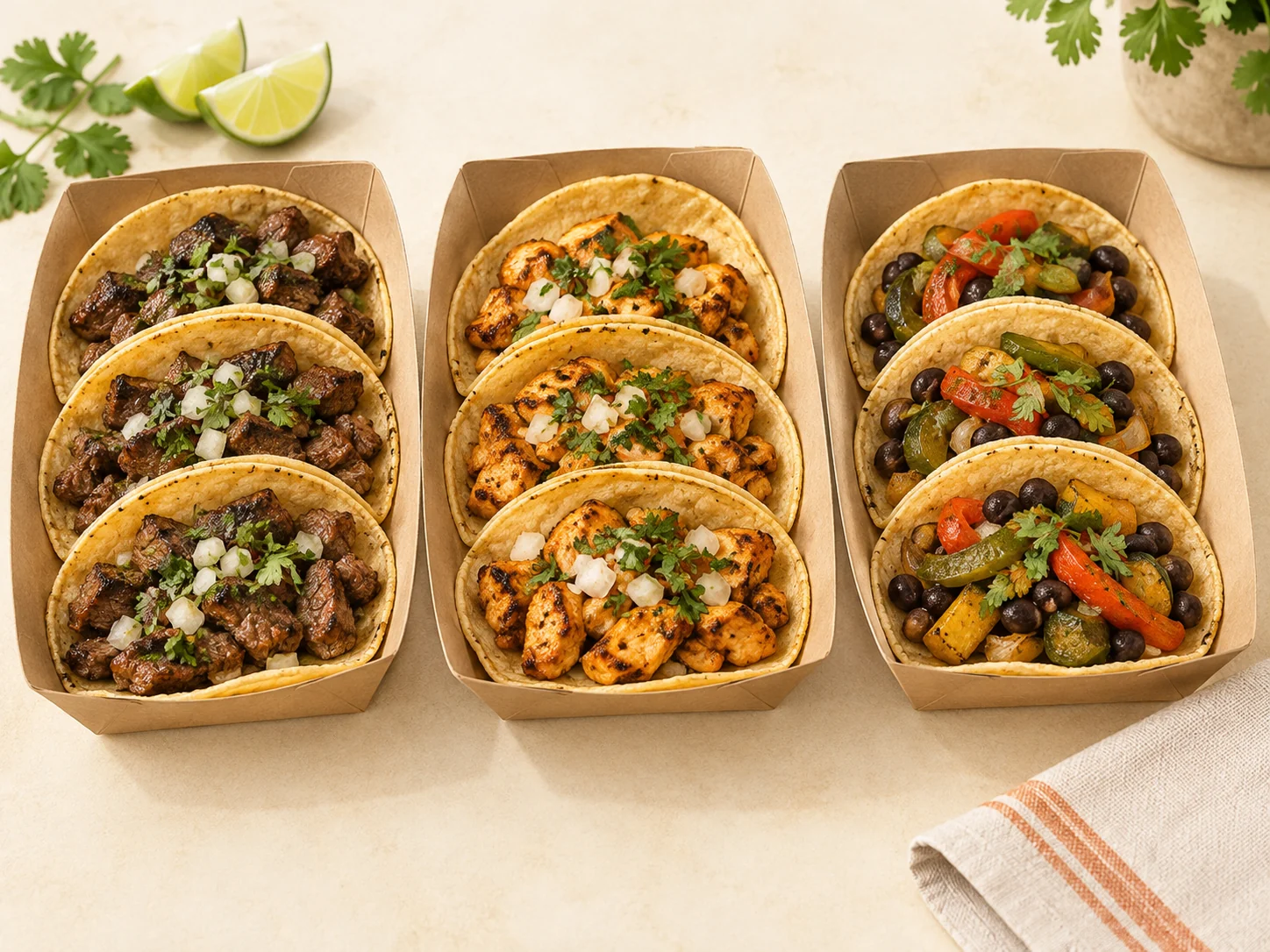
Use photos of your own food when you have them. Illustrations can show a proposed style; customers should be able to tell which images represent actual dishes. Publish ingredient and dietary details your team has checked, with a phone number or email for allergy questions.
A short menu can sit on the homepage. Give a longer menu its own page, with a clear route back to the next stop and contact details.
Orders and catering
Make the ordering method clear: at the window, by phone or through a service you already use. Use a call-to-order link only if your team takes phone orders. Explain whether pickup needs confirmation and when calls are answered.
If you offer catering, separate that inquiry from today's food orders. Ask for the event date, location, guest count and a way to reply. Use the phone number, email or form your team checks for event requests.
Tell customers which payment methods you accept at the truck.
Changes and cancellations
Update the affected day in the schedule and place the notice beside the next-stop details. Name the canceled date and venue, then give the next confirmed public stop. If none is settled, say that the next stop has not yet been announced.
Fictional update on Thursday, October 22, 2026
Thursday service canceled
We will not serve at Cedar Park on October 22, 2026.
Our next public stop is Depot Yard on Friday, October 23, from 5 pm to 8 pm, local time.
Agree on who checks the schedule before service, who publishes changes and how quickly an urgent cancellation can go online. Keep the website and your other announcements consistent. If you sell out and close early, update that day's service status too.
Before you publish
Bring your menu, next week's stops and contact details to your designer. If you offer catering, include the information you need for those inquiries. Agree on the pages and how you will send schedule changes.
- Read one menu item and one stop on a narrow phone screen. Prices, dates and arrival details should be readable without enlarging an image.
- Try the navigation, directions and contact links. Check that they reach your business and the correct stop.
- Read the cancellation notice against the weekly schedule. Send a test inquiry and check that the person handling requests receives it.
Leave your contact details to discuss your food truck website.
More help with planning your website
Website services for your business
Tell me what you are starting.
Share your business, the information you want to show and how customers should reach you. We will agree on the scope and a fixed price before work begins.
Discuss your website